
It is undeniable that Google is an unbeatable search engine. It processes 9.5 million searches per minute, which adds up to at least 5 trillion searches every year. These numbers matter to businesses and website owners, especially since top-ranking search results receive a click-through rate (CTR) of around 22.4%. You want to be up there.
So, how?
Google’s Core Web Vitals will tell you. This group of metrics measures how users experience your website, improving your SEO and making visitors stay and, hopefully, convert.
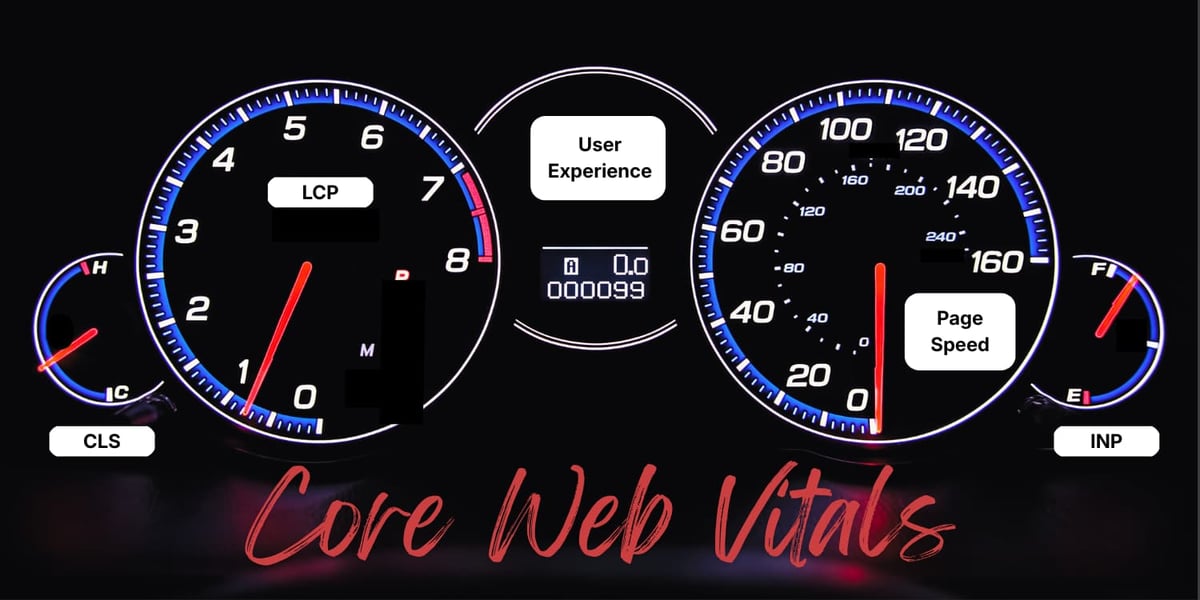 The Three Main Metrics
Google occasionally updates which metrics count most, but the focus is generally on these three.
Largest Contentful Paint (LCP)
This metric measures how long it takes for the main content of your page to appear on screen, whether it is an image, a hero banner, a video, or a block of text. People expect websites to load quickly. If they have to stare at a blank screen for too long, they will simply move on. As such, good LCP is 2.5 seconds or less, and poor LCP is anything over four seconds.
Cumulative Layout Shift (CLS)
CLS measures how much your page layout unexpectedly moves around while it loads. When a page is stable, users can focus on reading and interacting with your content rather than fighting distractions. Nobody likes accidentally clicking the wrong button because the page suddenly shifts! Good CLS is 0.1 or less, and poor CLS is above 0.25.
Interaction to Next Paint (INP)
INP replaced First Input Delay (FID) in 2024, which measures how quickly a page responds to user interaction. Unlike FID, which only looks at the first interaction, INP evaluates the time between when the user does an action and when they actually see the visual response on the screen. Good INP is 200 milliseconds or less, and poor INP is over 500 milliseconds.
 How Poor Vitals Hurt Revenue
Do these metrics really affect your bottom line? Yes.
Strong Core Web Vitals mean excellent website performance and a smooth page experience for visitors, and Google factors them into its ranking algorithm. They boost your search visibility!
When everything works the way it should, users tend to stick around longer, lowering bounce rates. The more users stay on your website, the greater your chances of turning them into customers.
Of course, poor Core Web Vitals give you the opposite. Slow, choppy, and unstable pages are frustrating, reducing your chances of visits and conversions.
 Fixing Core Web Vitals Issues
If your Core Web Vitals aren’tlooking great, there are several fixes you can make. Here are four of them:
- Image Optimization: Images are a major contributor to delayed load times. Compress them and use modern web-friendly formats that are much smaller than traditional ones.
- Code Splitting: Instead of loading your entire JavaScript bundle all at once, separate the code so that only the necessary ones for the initial page render load first. Additional code can be loaded later.
- Caching: When you enable page caching, a version of the page is stored on the server after it loads the first time. The next time someone visits, the server can deliver that stored version much faster.
- Layout Stability: Explicitly set the elements’ width and height attributes, or their equivalent CSS properties. This way, the browser knows exactly how much space to reserve. Avoid animations or transitions that rely on layout-changing CSS properties, too.
 Core Web Vitals Monitoring and Governance
Improving website performance and page experience is not a one-time task. You must be consistent with it. Keep evaluating and optimizing your website’s health, and identify and address problem areas. Troubles will not happen if you prevent them!
Whether you are collecting your own field data or simply analyzing Core Web Vitals, Google has built them into many of its own tools.
Chrome User Experience Report (CrUX)
The CrUX is a public dataset based on real-world usage data from Google Chrome users. It collects anonymized data from millions of websites, including Core Web Vitals metrics for sites with sufficient traffic.
PageSpeed Insights (PSI)
Google PSI combines real-world field data from CrUX with lab-generated data from Google Lighthouse. It works for both mobile and desktop versions of your website and can evaluate either individual pages or an entire domain. Note that PSI is only for public URLs.
Search Console
Search Console tracks how your website performs in search results. Unlike PSI, it is only available to verified website owners. Once your ownership is confirmed, you can view data across your entire website.
Lighthouse
Google Lighthouse is a lab-based testing tool that analyzes your pages and highlights specific opportunities for enhancing loading speed, accessibility, and overall performance. Developers often use it because it works well in local environments and staging sites. It also simulates user interactions to test performance beyond just the initial page load.
Chrome DevTools
Chrome DevTools’s Performance panel provides detailed insights into what happens behind the scenes as a page loads and runs. It has a Live Metrics screen that shows current Core Web Vitals, and you can import CrUX field data to compare. Developers can also record a performance trace.
 Achieve Good Core Web Vitals With Connection Model
Keeping your Core Web Vitals strong definitely takes effort, but it’s worth it for better search visibility, happier visitors, and, ultimately, excellent business results.
At Connection Model, we are ready to help you through technical audits, implementation guidance, and performance monitoring. Let us do the heavy lifting together!
Do you want faster pages and higher rankings? Schedule a website audit with Connection Model.
Written By: David Carpenter