---
title: Your Website Probably Has Accessibility Issues. Here's What You Can Do
description: According to recent statistics, 98% of websites have accessibility issues. Here is what that means and how you can identify and address these problems on your website.
image: https://www.connectionmodel.com/hubfs/accessibility%20labeled%20key.jpeg
---
[](https://www.connectionmodel.com/)
[Contact](https://www.connectionmodel.com/contact) | [ Support](https://www.connectionmodel.com/Support) | [Book a Demo](https://www.connectionmodel.com/contact)
[ ](https://www.connectionmodel.com/)
Subscribe
# Your Website Probably Has Accessibility Issues. Here's What You Can Do
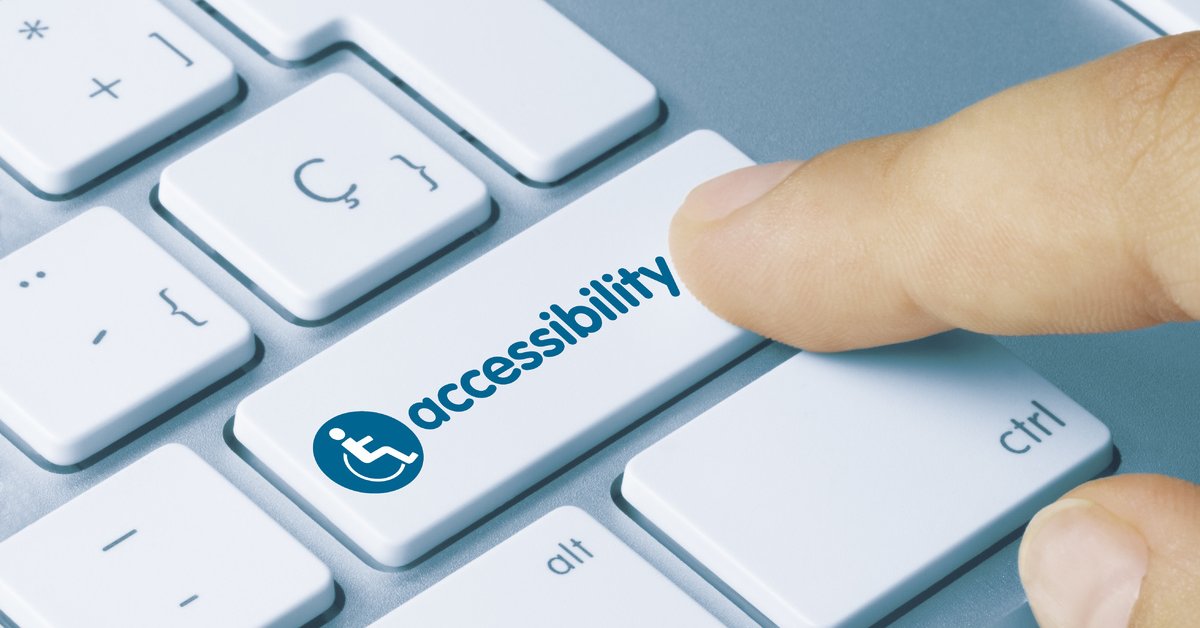
As a business, you want to be available to as many potential customers as possible. But the law might also require you to make some accommodations for visitors to your website. If you think that anyone can use your website, you’re probably mistaken. The truth is that about 98% of websites have accessibility issues. Here is what that means for your business and how you can address it.
### What Is Website Accessibility?
In a perfect situation, everyone would be able to use any online property. What hardware a person uses or a condition that impacts their capabilities shouldn’t matter. This is the main concept behind website accessibility.
It’s a fact that millions of internet users have disabilities, impairments, and special needs that can make it challenging or impossible for them to use certain websites. When your business designs its site with these limitations in mind, it can broaden its online reach.
Where there is any number of conditions and disabilities that can affect the way that people use websites, here are some of the most common:
- **Visual impairment **- Includes a total or partial inability to see or identify color contrasts.
- **Physical impairment** - Having difficulty or the inability to move parts of the body, such as when using a mouse.
- **Hearing impairment** - Reduced or total inability to hear.
- **Cognitive disabilities** - Some conditions impact cognitive function, such as dyslexia and dementia.
- **Photosensitive seizures** - Flashing lights can trigger seizures in people with conditions like epilepsy.
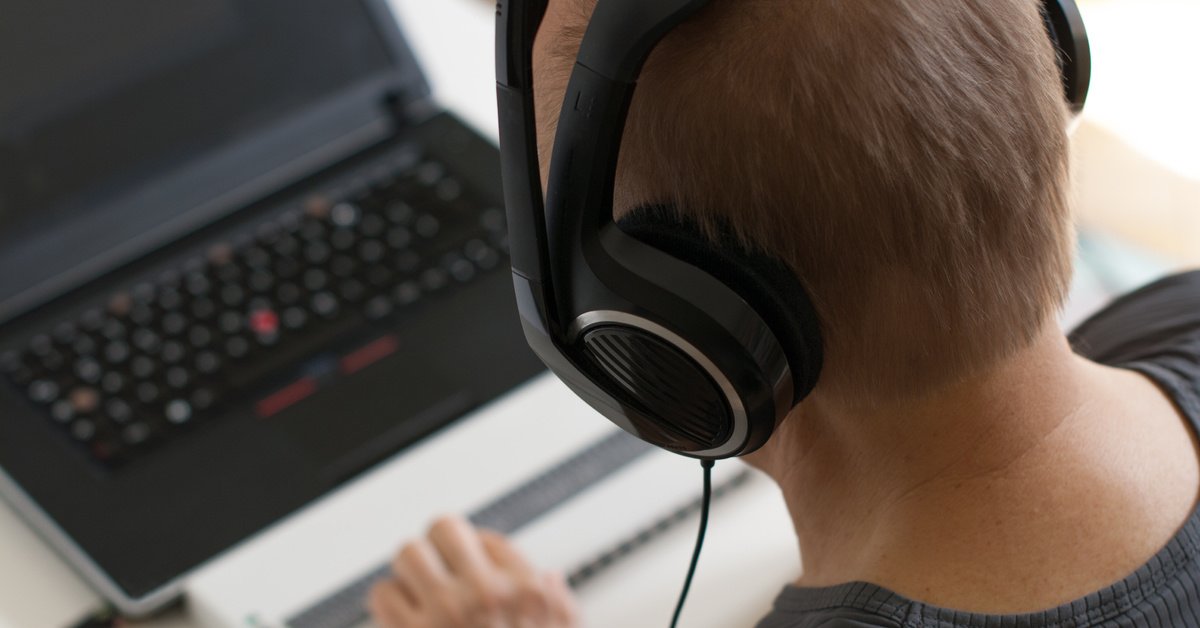
To adjust to these issues, many people browse the internet using assistive technology. Solutions like speech recognition software, screen readers, alternative keyboards, and Braille terminals are available. When combined with a fully accessible website, the experiences of these visitors can be even better.
### Why Website Accessibility Should Be a Priority
The benefits to your business of making your website more accessible are significant. From a human perspective, it ensures you aren’t excluding anyone because of a limitation. From a business standpoint, you can boost your brand’s results by expanding your potential audience. Obviously, the more people that can access your website, learn about your business, and purchase from you, the better.
It’s also important to note that many countries have started [passing laws](https://www.justice.gov/sites/default/files/crt/legacy/2009/02/18/oldsoftware.pdf) addressing website accessibility (the U.S. hasn’t done so yet). As such, you may be required to adhere to certain accessibility standards at some point. These are outlined clearly in the [Web Content Accessibility Guidelines](https://www.w3.org/WAI/standards-guidelines/wcag/) (WCAG). The goal of these guidelines is to make website content accessible not only to people with disabilities but also to those who are older, living in rural areas, and residing in developing countries.
And, while Google hasn’t made website accessibility a ranking factor (yet), it is a vital element of a positive user experience. And Google has been clear that delivering a [positive user experience](https://www.connectionmodel.com/blog/ux-will-become-a-google-ranking-factor) is one of its priorities, meaning it should be one of yours too.
### 5 Ways to Make Your Website More Accessible
As a website and business owner, you want to attract as many visitors as possible. But there are millions of users who need an accessible website, or they will either miss out or move along to your competitors. Fortunately, implementing accessibility isn’t difficult. Here are several ways you can make your website easier to access and use for everyone.
#### 1. Make Your Website Keyboard-Friendly
Probably one of the most important things you can do is to make sure your website will be accessible without using a mouse. Some assistive technologies rely on keyboards for navigation, so a visitor to your site should be able to access the menu and various pages. This is simple enough to test. See if you can navigate your site using only a keyboard. If you can’t, identify the issues and make some adjustments.
#### 2. Content Should Be Easily Accessible
You also need to make sure that your website’s content is 100% accessible. You may run into the most issues if your content is dynamic, meaning it’s changing without reloading the page. Provided you have static content, some of the other items you should address include:
- **Headers** - Use the right header structure to make your content easier to understand.
- **Tables & Forms** - Carefully design and clearly label tables and forms so that they are simple.
- **Text Size** - Enabling users to resize text can be helpful to some with visual impairments. But make sure that this feature won’t break your site.
#### 3. Choose Your Colors Carefully
Not everyone perceives colors the same. Knowing this, it’s important to make sure you’re using colors that contrast well to ensure your users can distinguish the different elements on your page. Using dark text against a light background works best.
#### 4. Add Alt Text to Your Images
When adding images to your website, make sure you fill in the “alt text” field. Many users just skip this, but it’s vital for several reasons. First, it displays the text as a replacement if the image fails to load. Second, it allows screen readers to “describe” the image to a user who would otherwise miss it. Third, alt text can help your SEO if it is descriptive and relevant.
#### 5. Avoid Automatic Navigation and Media
No one enjoys it when a website they visit seems to have a life and mind of its own. Things like sliders, carousels, popups, and auto-play videos can be annoying to the average user. But they can make a website downright unusable to someone with a disability.
Many screen readers can’t figure out how to turn those things off, and some people might get frightened or frustrated by the sudden noises. If you want to make your website accessible to all, avoid these elements.
Website accessibility isn’t something that is at the top of every digital marketer’s list. But it should still be there. Taking the time to understand how a few changes in your website design and content can bring more visitors can help people who want to use your services and boost your results.
At Connection Model, we want to help your business, and its customers find each other. We can help you address accessibility issues as well as provide results-based solutions to SEO and other digital marketing challenges. [Contact us](https://www.connectionmodel.com/contact?__mscta=11_88647_3465) today to learn more.
Written By: David Carpenter
Published on August 18, 2021
Last modified on June 4, 2024
Topics: [Website Visibility](https://www.connectionmodel.com/blog/topic/website-visibility), [website design](https://www.connectionmodel.com/blog/topic/website-design), [Customer-centric](https://www.connectionmodel.com/blog/topic/customer-centric)
## Interested in a free website audit?
### Subscribe Here!
### Get our latest ebook
[](https://www.connectionmodel.com/conversational)
## Subscribe To Email Updates
Connect On Social
Connection Model
[+1-206-400-7724](tel:1-206-400-7724)
13555 SE 36th St
Bellevue, WA 98006
Hours: 8:00am-5:00pm PT weekdays
[Contact](https://www.connectionmodel.com/contact)
©2009-2026 Connection Model [Privacy Policy](https://www.connectionmodel.com/privacy-policy)
Connection Model
[What is a Digital Marketing Agency](https://www.connectionmodel.com/digital-marketing-agency)
[ What is Inbound Marketing?](https://www.connectionmodel.com/what-is-inbound-marketing)
[What is Search Marketing Equity® ? ](https://www.connectionmodel.com/search-marketing-equity)
[What is Organic SEO?](https://www.connectionmodel.com/search-marketing-equity)
[HubSpot Certified Partner Agency](https://www.connectionmodel.com/hubspot-certified-partner)
[How Fast PageSpeed improves SEO](https://www.connectionmodel.com/fast-page-speed-seo)
[Social Media Marketing
Search Everywhere Optimization](https://www.connectionmodel.com/search-everywhere-optimization)
[Brand Photography](https://www.connectionmodel.com/photography)[
AI-Based Website Revenue Agents
](https://www.connectionmodel.com/ai-based-website-revenue-agents)
[Preventing Digital Marketing Fraud](https://www.connectionmodel.com/click-fraud)
[How to get the most from our PPC Agency](https://www.connectionmodel.com/paid-search)
[Competitor Analysis & Market Assessment](https://www.connectionmodel.com/competitor-analysis-market-assessment)
[Boosting Search Visibility with Content Optimization](https://www.connectionmodel.com/content-optimization)
[Proper use of AI in Content Marketing](https://www.connectionmodel.com/ai-in-content-marketing)
[Connection Model has 7 reviews with an average rating of 5.0 stars on a 5.0 scale.](https://upcity.com/local-marketing-agencies/profiles/connection-model#about-us)
Third-Party Source: [Birdeye](https://birdeye.com/connection-model-167391799976667)
From The Blog
[](https://ecosystem.hubspot.com/marketplace/solutions/connection-model)